Download Meme Generator PRO APK 4.6883 for Android
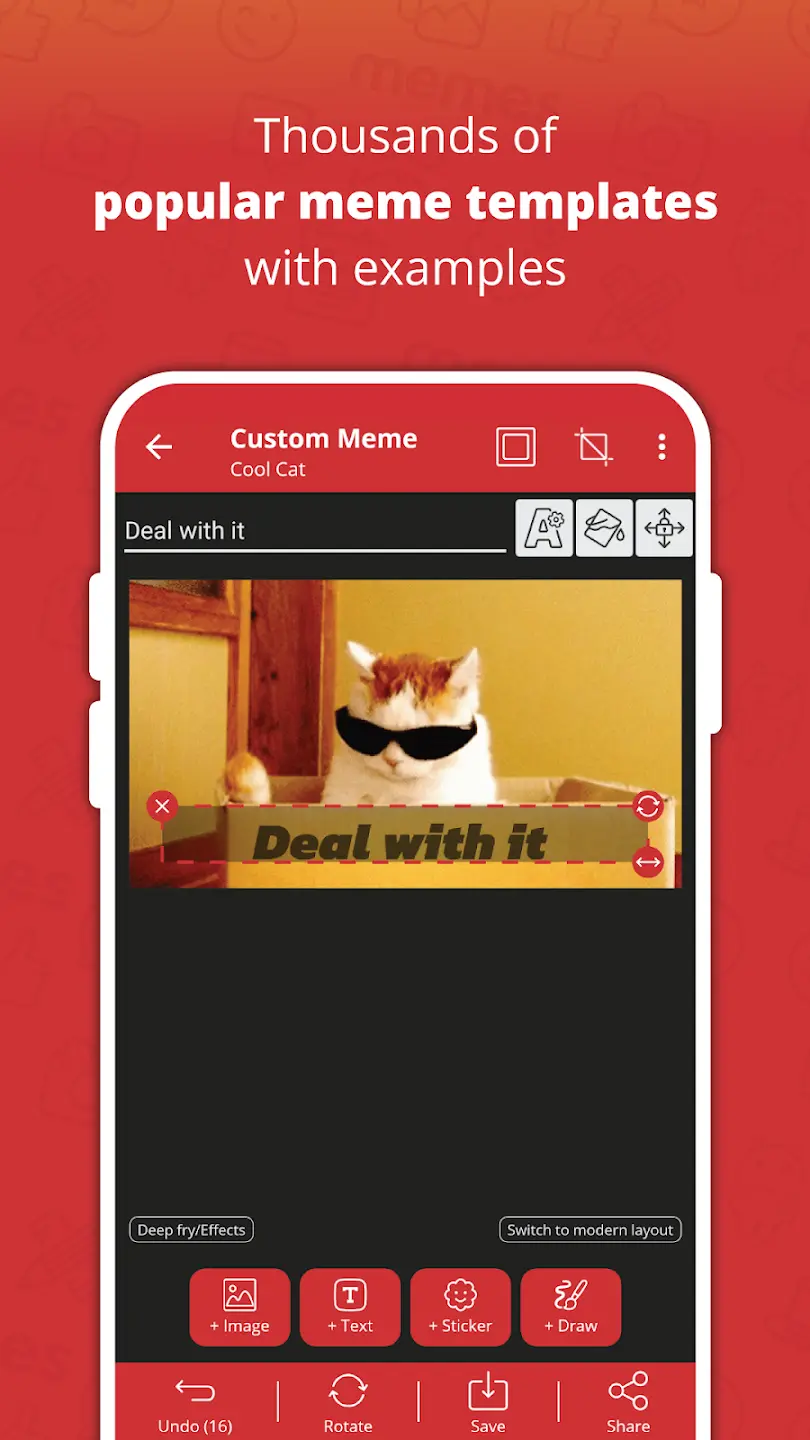
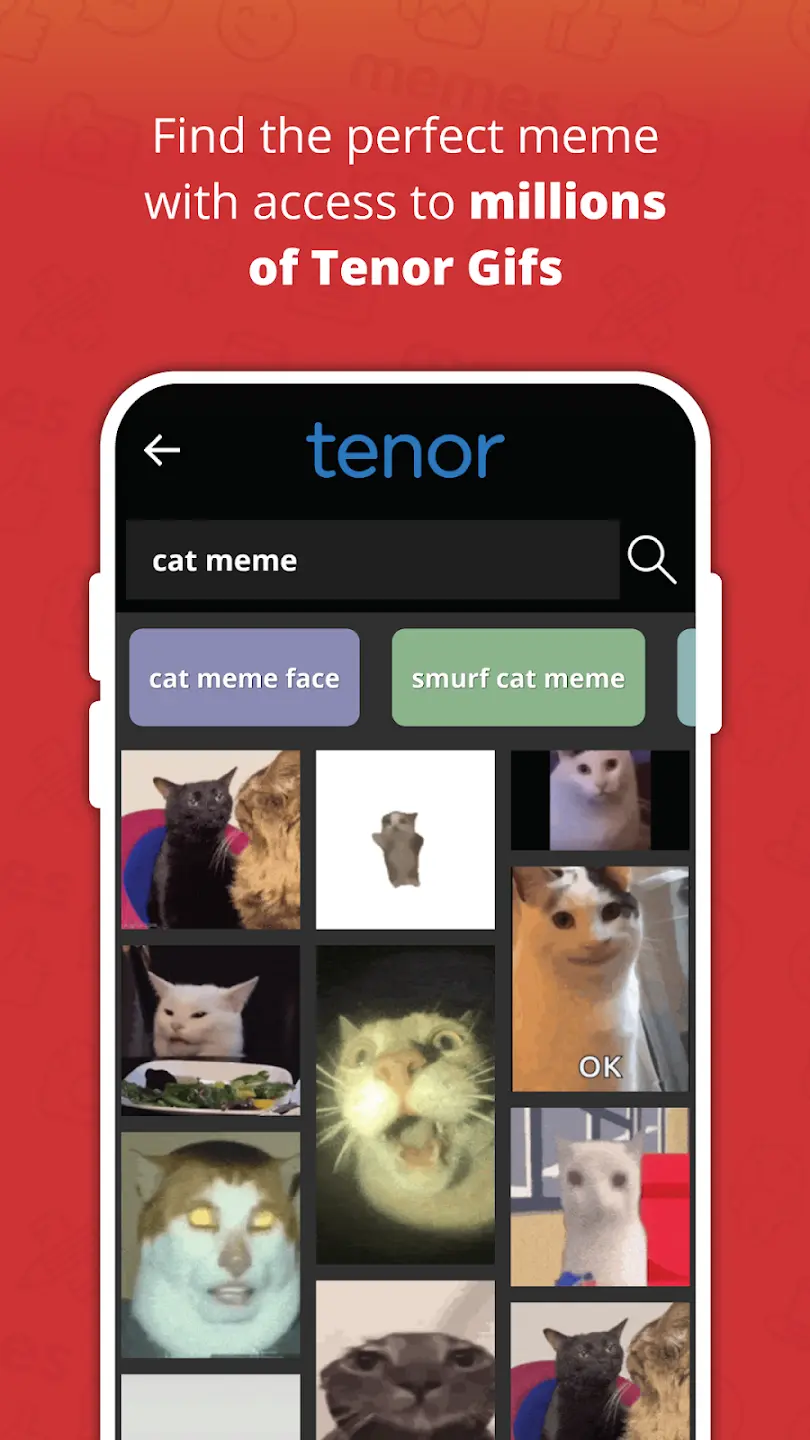
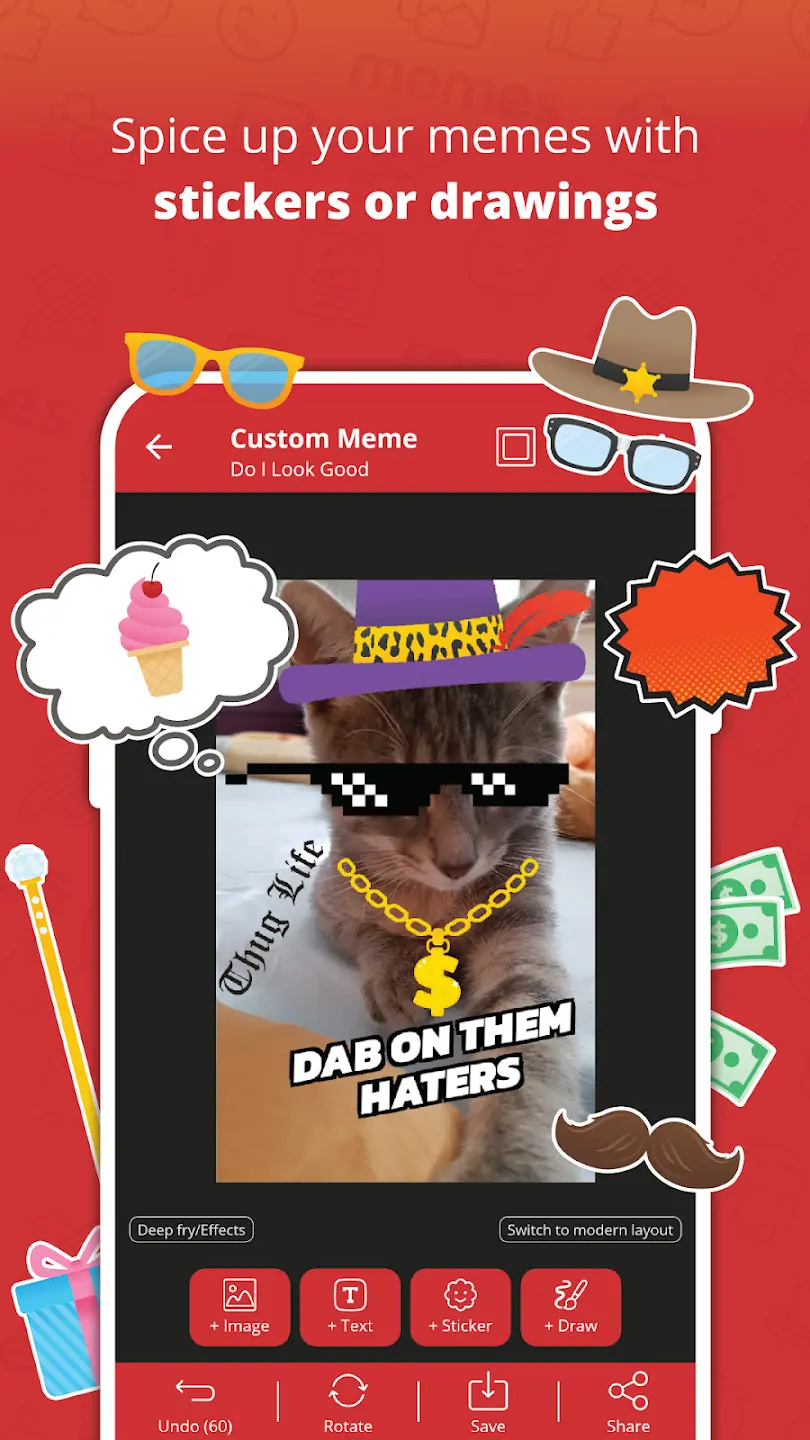
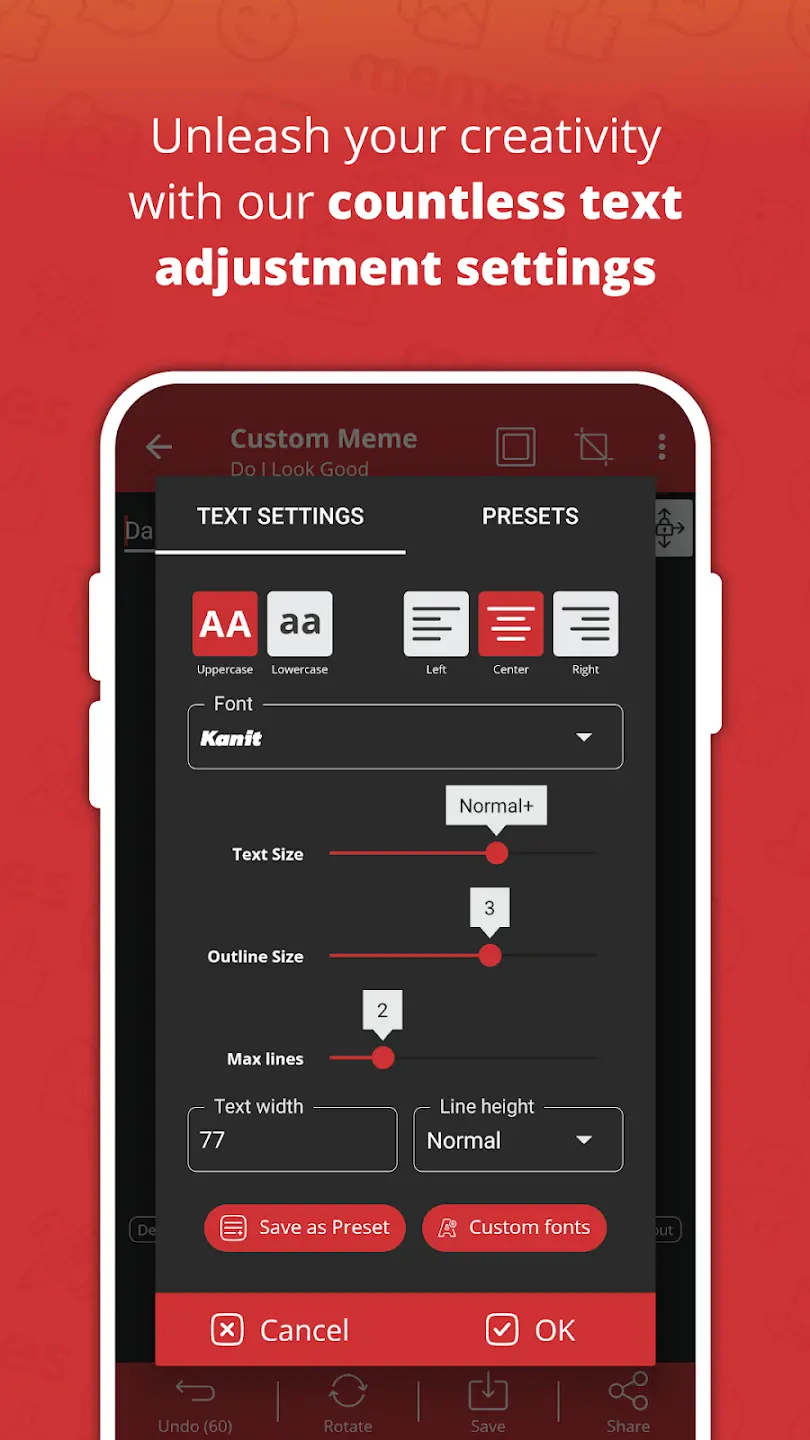
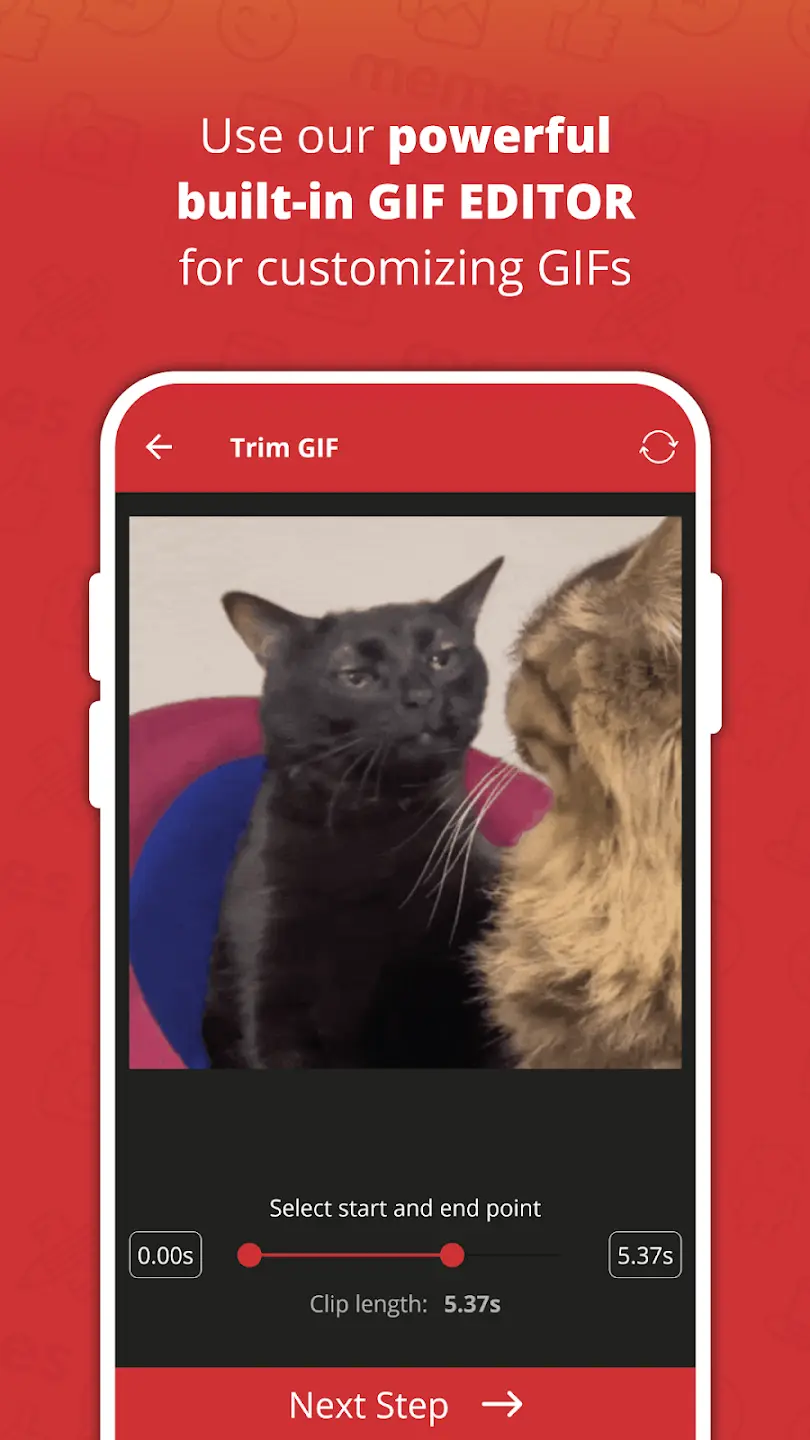
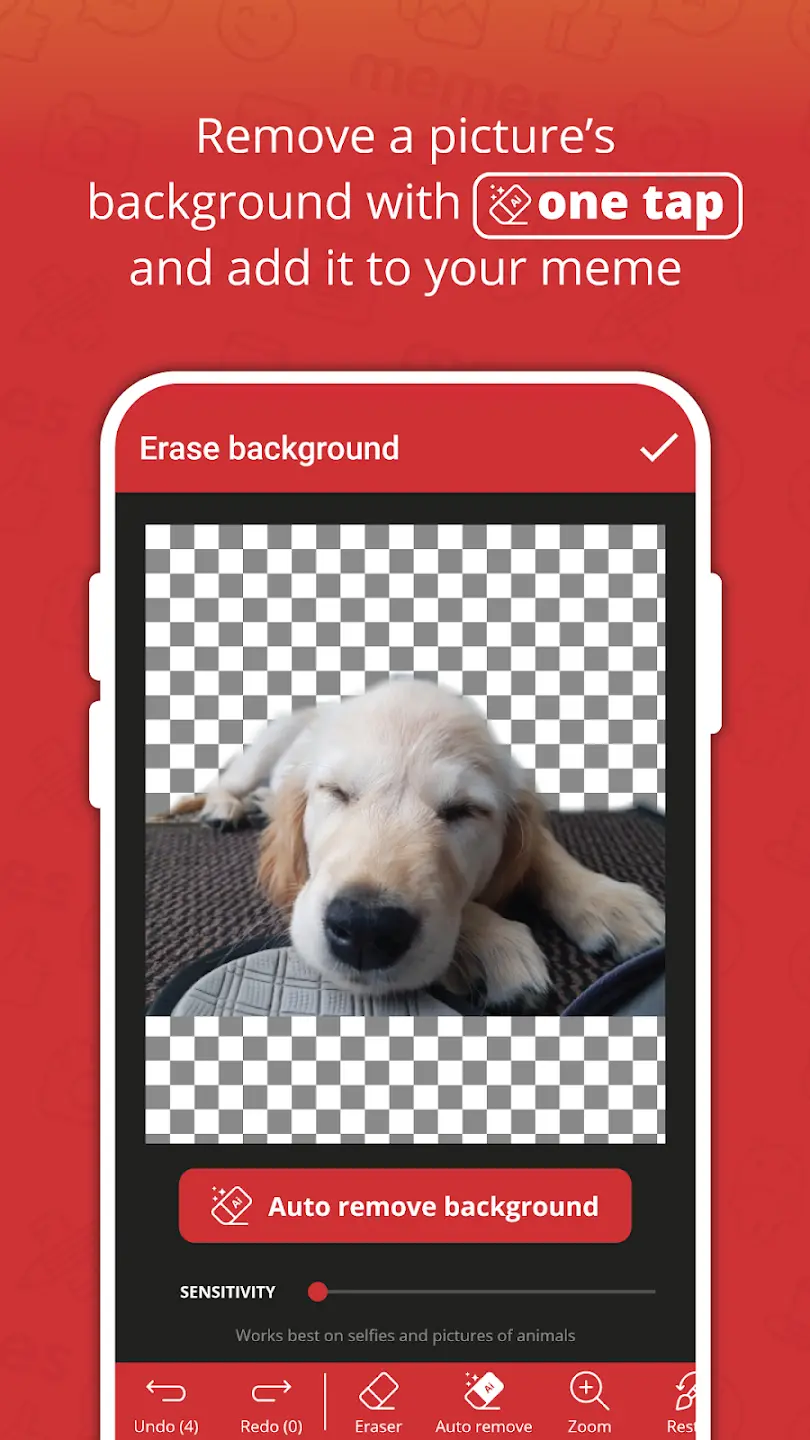
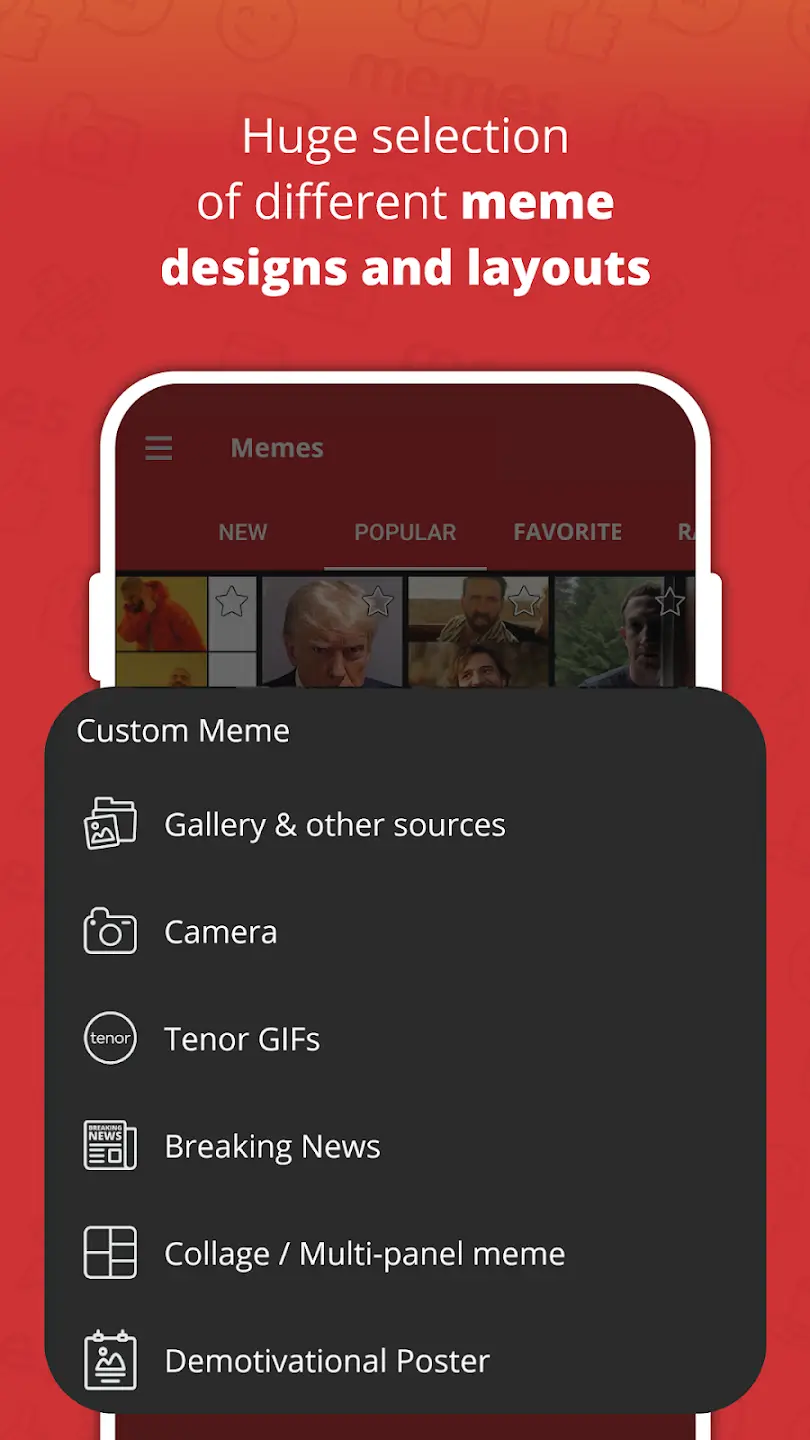
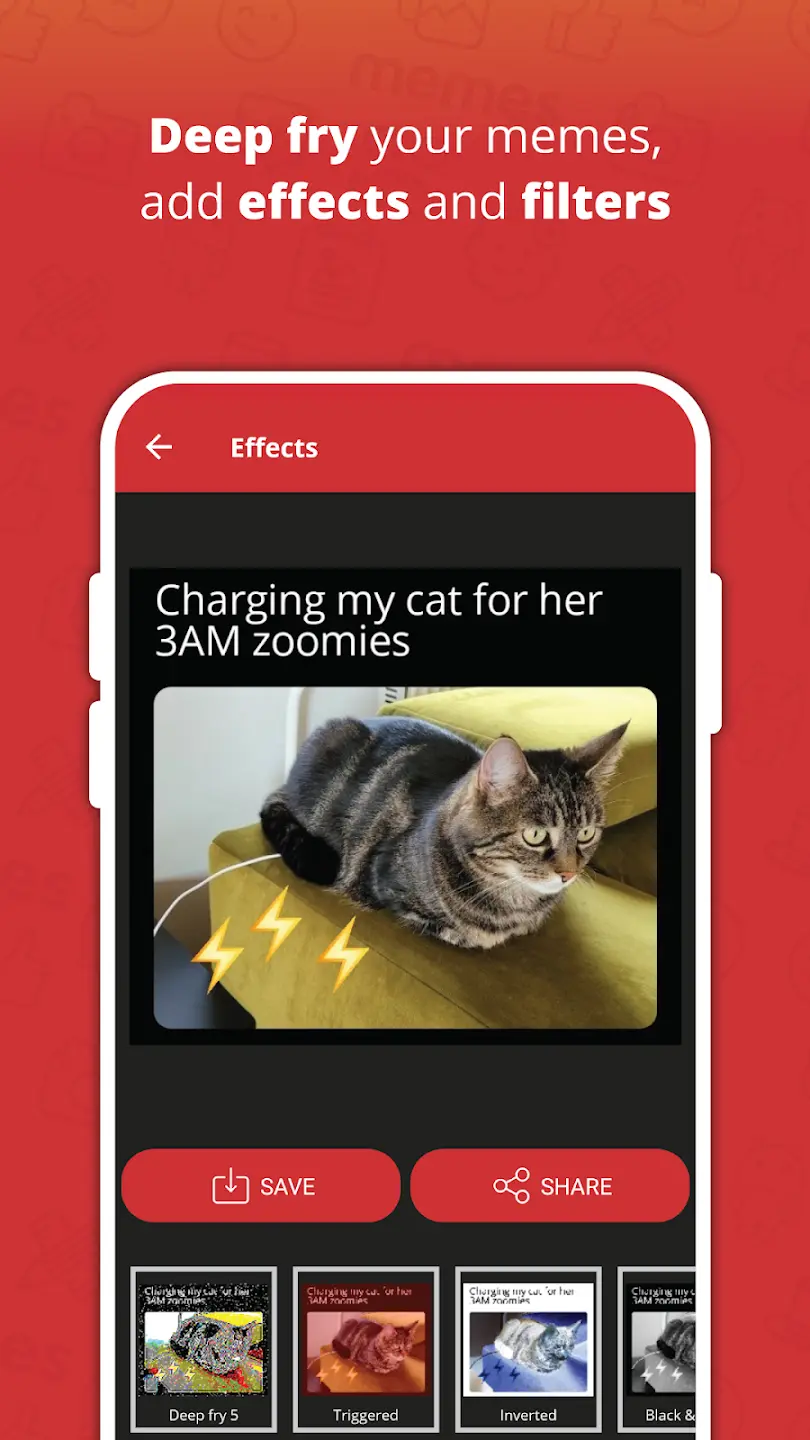
Meme Generator PRO is a meme creation app designed for users who want to turn pictures, everyday situations, and internet jokes into shareable content. Instead of relying on complicated image editing software, it provides tools for adding text and customizing images directly on Android. Meme Generator PRO APK is particularly useful for creating reaction memes, funny captions, and personalized images without needing advanced editing skills.
What Makes Meme Generator PRO Useful?
Memes often work best when the message is simple and the image communicates the joke immediately. This app focuses on making that process accessible by combining image selection and text editing into a single workflow. Users can start with a picture and turn it into a meme without having to move between several editing applications.
Its straightforward purpose makes it suitable for casual meme creators, social media users, and anyone who regularly shares humorous images in group chats. Rather than offering a complicated creative environment, the app concentrates on the tools needed to produce recognizable meme formats and personalized jokes.
Creating Memes with Images and Text
Turn Pictures into Funny Content
The central feature is the ability to use images as the foundation of a meme. A suitable picture can communicate an emotion, reaction, or situation, while a caption adds the context that makes it funny. Users can create memes based on personal photos, screenshots, or images they want to use for humorous purposes.
Choosing the right image is often more important than adding numerous editing effects. A picture with a clear facial expression or an instantly recognizable situation can make a short caption much more effective. This approach also makes the app useful for creating reaction images that can be shared during conversations.
Add Custom Captions
Text is an essential part of most memes, and Meme Generator PRO allows users to add their own wording to images. This makes it possible to adapt familiar meme formats to personal experiences, current events, conversations, or jokes between friends.
Short captions generally work better than lengthy explanations because viewers can understand the joke quickly. Users can experiment with different wording before saving their creation, helping them find a caption that fits the image naturally.
Editing Tools and Customization
Beyond selecting an image and entering text, meme creation involves adjusting the overall presentation. Text placement, readability, and the relationship between the caption and the image can influence whether the final meme feels clear or cluttered.
Customization tools allow creators to make their memes more personal instead of simply reproducing an existing template. For example, changing the wording can transform a familiar image into a joke about school, work, gaming, relationships, or everyday inconveniences.
When editing, it is worth keeping the main subject visible and avoiding captions that cover important parts of the picture. A meme should remain understandable even when viewed on a small smartphone screen.
Practical Ways to Use Meme Generator PRO
The app can be useful in several everyday situations. Users can create reaction memes for messaging conversations, prepare humorous images for social media posts, or turn personal photographs into jokes for friends and family.
It can also help people who regularly create online content maintain a consistent workflow. Instead of opening a full photo editor whenever they need a simple captioned image, they can use a dedicated meme creation tool for this type of task.
For better results, start with an image that clearly communicates the intended emotion or situation. Keep captions concise, make sure the text remains readable, and avoid adding unnecessary elements that distract from the joke. Saving original images separately can also be useful when you want to create several different versions of the same meme.
Meme Generator PRO MOD APK Features
This version does not introduce modified gameplay mechanics, unlimited resources, or additional editing functions. Its main difference is related to access rather than functionality.
Paid version available for free: Meme Generator PRO is a paid application on Google Play, while this version is shared for free access. Users can download the PRO version without purchasing it through the Play Store, making it an alternative for those who want to use the paid application without the usual purchase cost.
The available information does not confirm additional modifications to the app itself. Therefore, users should not expect extra filters, unlocked tools beyond the original PRO version, or features that are not included in the application.
Tips for Making Better Memes
Good meme creation usually depends on the idea rather than complicated editing. Begin with a recognizable image and think about the situation it represents. A caption that describes an unexpected reaction or relatable experience can be more effective than a generic joke.
Try keeping the text short enough to read without pausing. If the image already contains a lot of visual information, use fewer words. When making memes for social platforms, consider how the image will appear after being compressed or displayed in a smaller format.
It is also helpful to save multiple versions when experimenting with captions. The same image can support different jokes, and changing only a few words may produce a completely different result.
Advantages and Limitations
Meme Generator PRO offers a focused approach to creating captioned images. Its main advantage is convenience, since users can work on memes without learning a complex photo editing application. The ability to personalize images also makes it useful for producing reactions and jokes that are more relevant to individual conversations.
However, a dedicated meme editor is not necessarily the right tool for every creative project. Users looking for advanced photo manipulation, professional graphic design features, detailed layer management, or complex visual effects may need a more comprehensive editing application. The quality of the final meme also depends heavily on the selected image and the creativity of the caption.
Who Should Download Meme Generator PRO?
This application is a reasonable choice for casual creators, social media users, and people who enjoy sharing personalized reaction images. It may also appeal to users who want a straightforward way to add humorous captions to pictures without spending time learning advanced editing software.
The free PRO version is especially relevant for people who want access to the paid application without purchasing it through Google Play. Those who rarely create memes or require professional image editing tools may not need a dedicated meme generator.
Frequently Asked Questions
›
It is used to create memes by combining images with custom text and editing them into humorous or shareable content.
›
No additional modifications are specified. This version provides the paid PRO application for free rather than adding separate MOD features.
›
The app is designed for creating memes from images and adding custom captions. Available image selection options may depend on the installed version.
›
Yes. The version shared on FUZYAPK is available for free, while the PRO application is normally paid on Google Play.
›
Meme Generator PRO was developed by ZomboDroid, a developer known for meme creation applications.
Create and Share Your Own Memes
Meme Generator PRO provides a simple way to turn pictures into humorous content using custom captions and image editing tools. Its practical appeal comes from keeping the creation process focused and accessible, making it suitable for everyday jokes, reaction images, and social media content.
For users who want the paid PRO application without purchasing it through Google Play, the free version available on FUZYAPK offers another way to access it. Download Meme Generator PRO APK and start creating personalized memes from your favorite pictures.