How to turn-off Google Play Protect?
Google Play Protect acts as a built-in defense mechanism within the Android ecosystem, engineered to safeguard your smartphone from harmful apps, malware, and potential digital threats.
However, you might encounter situations where you need to bypass or turn off this security feature—such as resolving app compatibility errors or installing applications downloaded directly from trusted web sources like FUZYAPK.ORG.
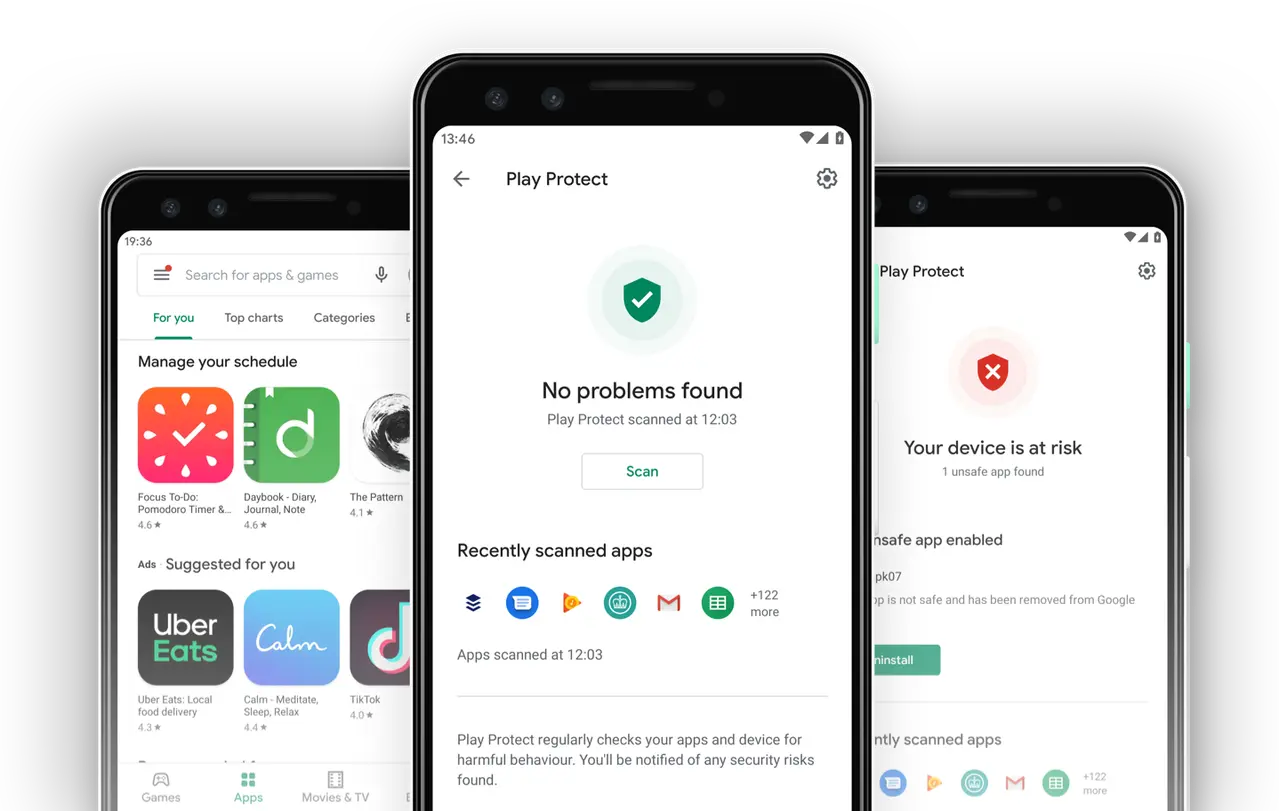
How to Disable Google Play Protect on Android
Step 1: Launch the Google Play Store App
First, unlock your phone and open the official Google Play application on your Android device.
Step 2: Locate and Tap on “Play Protect”
Inside the Google Play home interface, tap on your profile avatar located at the top right corner. From the pop-up menu options, select “Play Protect” to enter its dedicated dashboard.
Step 3: Open Play Protect Settings
Once you are inside the Play Protect section, look for the Settings icon (represented by a gear wheel) situated in the upper right corner. Tap on it to access the configuration parameters.
Step 4: Disable Google Play Protect
On the Play Protect settings screen, you will see a toggle switch or button designed to deactivate the feature. Simply tap it to turn off protection. A confirmation warning prompt may appear on your screen asking you to verify your action—select “Turn off” or “Agree” to proceed.
Step 5: Verify Deactivation
Once confirmed, Google Play Protect will be successfully disabled on your handset. Keep in mind that turning off this defense layer may elevate security risks when sideloading packages or installing third-party apps from unverified origins.
Pano mag dawlod ng gem na unli manoy